
Table of Contents
- Why Shopify Traffic Does Not Always Lead to Sales
- How to Diagnose Your Shopify Conversion Funnel
- Reason 1: You Are Attracting the Wrong Audience
- Reason 2: Your Landing Pages Do Not Match Your Marketing
- Reason 3: Your Homepage Does Not Explain Your Value
- Reason 4: Your Product Navigation Is Confusing
- Reason 5: Your Shopify Store Loads Too Slowly
- Reason 6: Your Mobile Shopping Experience Is Poor
- Reason 7: Your Product Images Do Not Build Confidence
- Reason 8: Your Product Descriptions Leave Questions Unanswered
- Reason 9: Your Pricing and Product Value Are Unclear
- Reason 10: Customers Do Not Trust Your Store
- Reason 11: Product Variants and Availability Cause Friction
- Reason 12: Your Add to Cart Experience Is Difficult
- Reason 13: Shipping Costs and Delivery Terms Create Hesitation
- Reason 14: Your Checkout Process Has Problems
- Reason 15: You Are Not Recovering Interested Shoppers
- Shopify Conversion Problems: Quick Diagnosis Table
- How to Increase Shopify Sales Without Increasing Traffic
- A 30-Day Shopify Conversion Improvement Plan
- Practical Ecommerce Examples
- Frequently Asked Questions
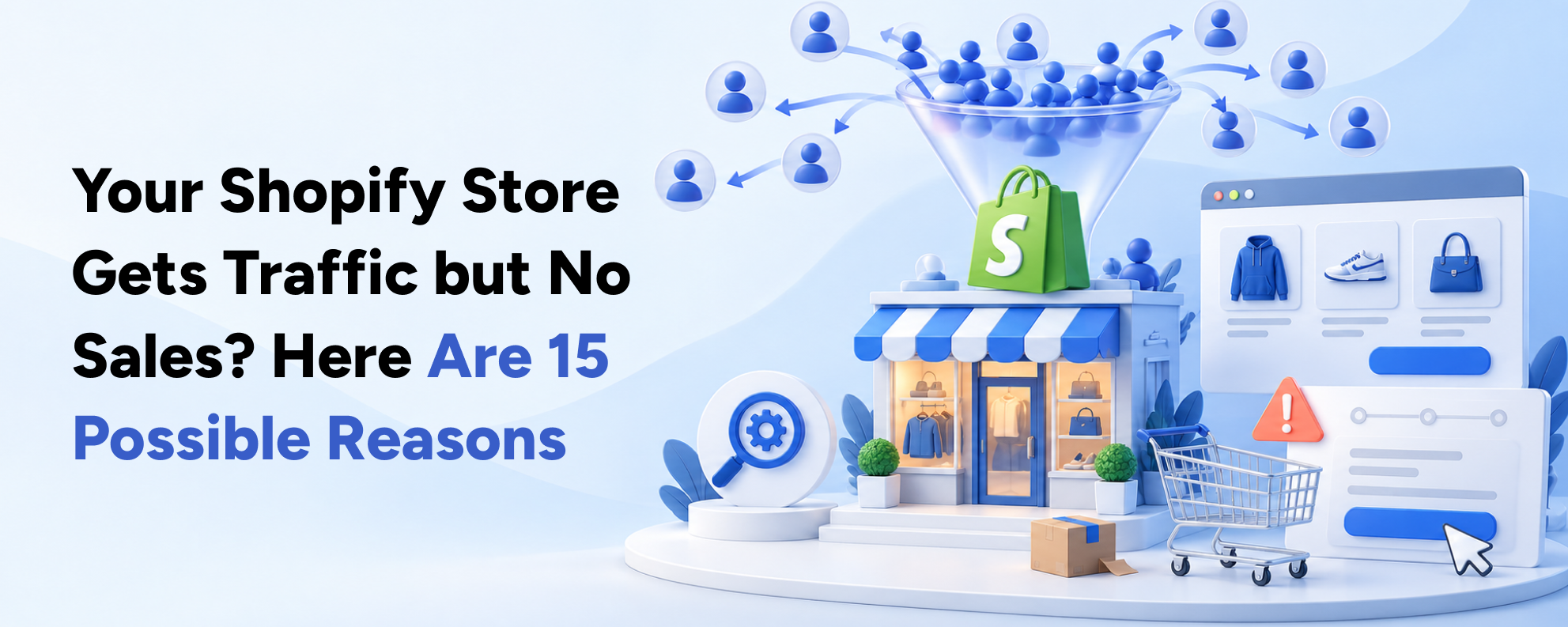
Your Shopify store receives hundreds or even thousands of visitors. Google Analytics shows activity, your advertising campaigns generate clicks and customers browse your products.
But when you check your sales dashboard, the numbers tell a different story.
Visitors are coming. Orders are not.
This is one of the most frustrating challenges for ecommerce business owners, especially when you're already investing in Shopify development, SEO, Google Ads or social media marketing.
The immediate reaction is often to increase advertising budgets, offer bigger discounts or redesign the entire website.
However, more traffic does not automatically mean more sales.
The problem could be attracting the wrong audience, confusing product navigation, weak product information, unexpected shipping charges or a technical issue during checkout.
Sometimes, the real issue is inaccurate tracking rather than an absence of purchases.
Understanding where customers lose interest is the first step toward fixing the problem.
In this guide, we'll explore 15 common reasons your Shopify store gets traffic but no sales, explain how to identify each issue and provide practical steps to improve conversions.
We'll also show how Shopify website design, development, conversion rate optimization and digital marketing work together to create a more profitable ecommerce experience.
Quick Answer: Why Is My Shopify Store Getting Visitors but No Sales?
If your Shopify store receives traffic but generates few or no sales, the most likely explanations include irrelevant traffic, poor landing page experiences, confusing navigation, weak product pages, slow mobile performance, limited trust signals and checkout friction.
Other possibilities include pricing concerns, unexpected shipping charges, payment problems or inaccurate analytics.
Start by reviewing your Shopify conversion funnel. Identify whether visitors leave before viewing products, after viewing products, after adding items to the cart or during checkout.
Then prioritize improvements based on where the largest problems occur.
Why Shopify Traffic Does Not Always Lead to Sales
Website traffic measures visits to your store. Sales measure successful purchases.
The two are related, but they are not interchangeable.
A visitor might arrive because they are researching a product, comparing prices, reading a blog or looking for customer support.
Another visitor may be ready to purchase immediately.
Both count as traffic, but their buying intentions are different.
Understanding Shopify Conversion Rate
Shopify's online store conversion rate measures the percentage of sessions that result in a completed purchase.
The simplified formula is:
Conversion Rate = (Sessions With Completed Purchases ÷ Total Sessions) × 100
For example, imagine your store receives 10,000 sessions and records 80 sessions with purchases.
Your conversion rate is:
80 ÷ 10,000 × 100 = 0.8%
If the store improves its conversion rate to 1.2% with the same traffic, it would generate 120 purchasing sessions.
That represents a 50% relative increase in conversion rate without requiring more visitors.
These figures are hypothetical, not guaranteed results.
The example illustrates why improving the customer journey can be commercially valuable.
Is There an Ideal Shopify Conversion Rate?
There is no universal conversion rate that every Shopify store should achieve.
Performance varies based on product category, price, geography, visitor intent, device and acquisition channel.
A premium furniture business may have a different purchasing cycle from a low-cost beauty accessories store.
Likewise, visitors reading an informational blog are not necessarily comparable to shoppers clicking a product-specific advertisement.
Instead of relying entirely on industry averages, compare your store's performance across relevant customer segments and historical periods.
First, Confirm That Your Analytics Are Accurate
Before diagnosing a conversion problem, make sure your reports are reliable.
Check whether Shopify records actual completed orders, whether payment events are tracked correctly and whether advertising platforms are double-counting conversions.
Also note that Shopify introduced changes to session measurement in September 2026.
According to Shopify's Analytics documentation , updates to bot filtering and session definitions can affect session-based metrics without changing actual sales.
Verify your order totals before making major business decisions based on conversion rate alone.
How to Diagnose Your Shopify Conversion Funnel
The fastest way to identify why your Shopify store is not converting is to locate where customers leave the purchasing journey.
A typical ecommerce funnel includes four important stages:
Store Sessions
Sessions With Cart Additions
Sessions Reaching Checkout
Sessions Completing Checkout
Shopify provides these measurements through its Analytics reports.
Example: A Shopify Store With 10,000 Monthly Sessions
Consider this hypothetical purchasing funnel:
| Funnel Stage | Sessions | Percentage of Total Sessions |
|---|---|---|
| Store Visits | 10,000 | 100% |
| Added to Cart | 600 | 6% |
| Reached Checkout | 300 | 3% |
| Completed Purchase | 90 | 0.9% |
The store has a 0.9% conversion rate.
However, that figure alone does not explain what should be fixed.
If very few customers add products to the cart, the problem may involve product discovery, pricing, product information or visitor quality.
If many customers reach checkout but fail to complete payment, the problem may involve shipping costs, checkout usability or payment errors.
Which Reports Should You Review?
Start with:
Conversion Rate Over Time
Sessions by Landing Page
Sessions by Device
Product Performance
Search Queries With No Results
Customer Acquisition Reports
Checkout and Payment Performance
These reports help you investigate specific problems rather than guessing.
For example, Shopify's behavior reports allow merchants to examine conversion performance by device and landing page.
With the foundation established, let's explore the 15 possible reasons.
Reason 1: You Are Attracting the Wrong Audience
High Traffic Does Not Always Mean High Buying Intent
A Shopify store can receive substantial traffic from visitors who have no immediate interest in purchasing.
This commonly happens when businesses target broad keywords, run poorly segmented advertisements or promote products to audiences outside their intended market.
For example, a professional skincare retailer might target the broad keyword “beauty tips.”
That keyword can attract people researching general skincare information rather than shoppers looking to buy professional products.
The traffic numbers may look impressive, but the likelihood of immediate purchase could be low.
How to Identify the Problem
Review traffic sources and landing pages.
Compare conversion rates from organic search, paid advertising, social media and direct visits.
Look for campaigns generating substantial traffic with little product engagement.
Also check whether visitors are coming from countries where you can actually sell and deliver products.
How to Fix It
Focus customer acquisition on relevant shopping intent.
For SEO, target commercial keywords through product and collection pages while using educational content for earlier-stage research.
For Google Ads, review search terms, negative keywords and campaign targeting.
For Meta Ads, evaluate audience quality, campaign objectives and creative messaging.
Important KPI
Conversion rate and revenue by acquisition channel.
Reason 2: Your Landing Pages Do Not Match Your Marketing
The Advertisement Creates One Expectation, but the Website Delivers Another
Imagine a shopper clicking an advertisement for “Men's Running Shoes Under $100.”
Instead of reaching an appropriate product collection, they land on a generic homepage displaying unrelated products.
The customer must search again to find what the advertisement promised.
Many visitors will not take that extra step.
This disconnect between the advertisement and the landing page can waste marketing spend.
Google's landing page guidance emphasizes the importance of matching landing page content with the customer's search and advertisement.
How to Identify the Problem
Review campaigns with high click-through rates but low conversion rates.
Open the exact landing page associated with each advertisement.
Check whether the promised products, offers and key information are immediately visible.
How to Fix It
Send visitors to the most relevant product or collection page.
Keep promotional details consistent between the advertisement and the landing page.
For larger campaigns, create dedicated landing pages where necessary.
Also ensure the page works properly on mobile devices.
Important KPI
Landing page conversion rate and advertising return on spend.
Reason 3: Your Homepage Does Not Explain Your Value
Visitors Cannot Quickly Understand Why They Should Buy From You
An attractive homepage is useful, but visual design alone is not enough.
Some Shopify stores emphasize large lifestyle images without clearly explaining the products they sell or the benefits they offer.
Other stores display multiple competing banners, making it difficult to identify the main shopping action.
For new visitors, this creates uncertainty.
A customer should quickly understand what the business offers, who its products are for and where to shop.
How to Identify the Problem
Review homepage engagement and navigation behavior.
Ask a person unfamiliar with your business to view the homepage briefly.
Can they explain what the company sells and where they would click next?
If not, the message may need improvement.
How to Fix It
Use a clear headline communicating your main value proposition.
Highlight relevant product categories and provide a visible primary call to action.
Support the message with useful product imagery, customer benefits and authentic trust signals.
Avoid placing every promotion above the fold.
Professional Shopify website design should guide visitors toward relevant products rather than simply make the storefront visually attractive.
Important KPI
Homepage-to-collection engagement and homepage conversion rate.
Reason 4: Your Product Navigation Is Confusing
Customers Cannot Find the Products They Want
A large product catalogue can become difficult to navigate when categories and filters are poorly organized.
Imagine a clothing store offering hundreds of products without clear size, fit or color filters.
Customers may need to open dozens of product pages before finding suitable options.
This creates unnecessary effort.
Common Navigation Problems
Unclear Product Category Names
Missing Filters
Irrelevant Sorting Options
Difficult Mobile Menus
Poor Internal Search Results
Products Assigned to Incorrect Collections
How to Identify the Problem
Review internal search queries, searches with no results and collection engagement.
Look for customers repeatedly using search after entering a collection.
Also check whether common product filters are available and working.
How to Fix It
Organize categories around how customers actually shop.
Use relevant filters such as size, material, color, availability and price.
Shopify Search & Discovery can help configure product filtering and recommendation features where supported by the theme.
Keep navigation labels descriptive and consistent.
Important KPI
Collection-to-product click-through rate and search-to-purchase conversion.
Reason 5: Your Shopify Store Loads Too Slowly
Customers Encounter Delays Before They Can Shop
Shopify provides managed hosting, but an inefficient theme can still create a slow storefront.
Oversized images, excessive scripts and unnecessary third-party applications can delay page rendering and responsiveness.
A page may appear to have loaded while important buttons remain difficult to use.
These issues are particularly frustrating for customers shopping on mobile devices.
How to Identify the Problem
Use Google PageSpeed Insights and Shopify's performance reporting.
Review real-user performance data rather than relying only on a single synthetic test.
Google's Core Web Vitals guidance identifies three important measures:
| Metric | Good Performance Threshold |
|---|---|
| Largest Contentful Paint | 2.5 seconds or less |
| Interaction to Next Paint | 200 milliseconds or less |
| Cumulative Layout Shift | 0.1 or less |
These thresholds are evaluated using the 75th percentile of page experiences.
How to Fix It
Compress and appropriately size images.
Remove unnecessary scripts and review overlapping app functionality.
Optimize important theme templates and avoid excessive animations.
Do not automatically lazy-load the main above-the-fold image if doing so delays its appearance.
Custom Shopify development can address deeper performance problems through cleaner theme architecture and controlled script loading.
Important KPI
Core Web Vitals, conversion rate by device and revenue per session.
Reason 6: Your Mobile Shopping Experience Is Poor
The Desktop Website Looks Good, but Mobile Customers Struggle
Many Shopify themes look impressive on desktop screens.
However, mobile customers may encounter cramped menus, unreadable text, difficult variant selectors or purchase buttons that disappear below long product descriptions.
These usability problems can create friction even when the store technically supports responsive layouts.
How to Identify the Problem
Compare mobile and desktop conversion rates.
Review the same product page on actual smartphones.
Test whether customers can select options, add items to the cart and complete checkout without difficulty.
How to Fix It
Prioritize mobile-first navigation and accessible touch controls.
Ensure product images fit correctly and purchasing actions are easy to find.
For suitable pages, consider a carefully implemented sticky Add to Cart button.
Keep shipping information, prices and selected variants visible or easily accessible.
Avoid promotional overlays that cover important controls.
Important KPI
Mobile conversion rate, mobile add-to-cart rate and checkout completion.
Reason 7: Your Product Images Do Not Build Confidence
Customers Cannot Evaluate Products Clearly
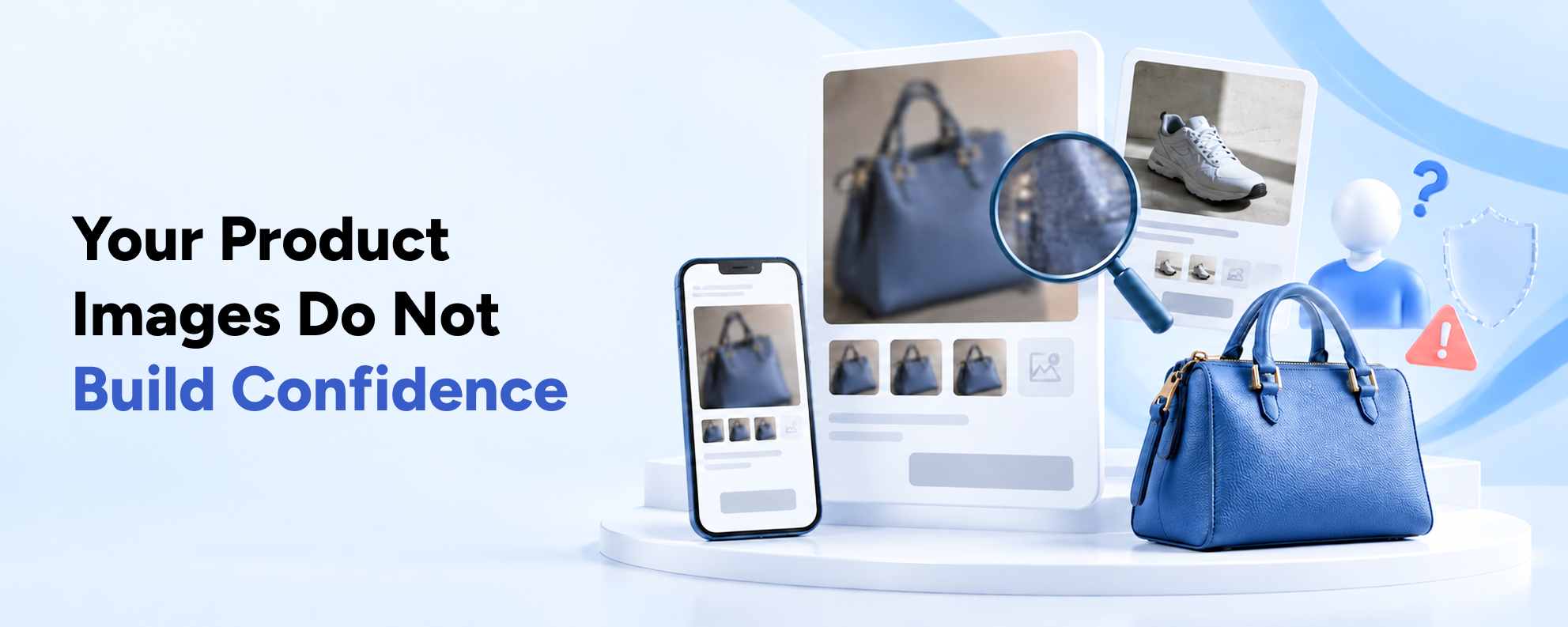
Online shoppers cannot physically inspect a product before buying.
They rely on images and descriptions to understand its appearance, size and practical characteristics.
Low-quality photographs, limited angles and misleading colors can create uncertainty.
For example, a customer purchasing furniture may want to see the item's dimensions and how it looks in a room.
A beauty customer may need detailed views of the packaging or product texture.
How to Identify the Problem
Review products with significant page traffic but limited cart additions.
Examine customer support questions related to appearance, size or product expectations.
Look for missing variant-specific images.
How to Fix It
Provide clear product photographs from relevant angles.
Where appropriate, include lifestyle images, detailed close-ups and demonstrations.
Make product variations visually understandable.
Ensure images accurately represent what customers will receive.
Avoid galleries filled with nearly identical pictures.
Important KPI
Product added-to-cart rate and product conversion rate.
Reason 8: Your Product Descriptions Leave Questions Unanswered
Shoppers Still Do Not Know Whether the Product Is Right for Them
Generic product descriptions frequently focus on promotional phrases rather than useful information.
Consider a hair styling tool described as:
“Premium professional styling tool with advanced technology.”
This does not explain its materials, temperature settings or suitability for different styling needs.
Customers may leave to research the product elsewhere.
How to Identify the Problem
Review customer support inquiries and product reviews.
Identify recurring questions about sizing, compatibility, ingredients, usage or product features.
Then check whether the product page answers those questions clearly.
How to Fix It
Create informative descriptions that explain:
Product Benefits
Important Specifications
Intended Use
Size and Dimensions
Materials or Ingredients
Compatibility and Limitations
Care Instructions
Warranty Information
Use descriptive headings and short paragraphs.
Include comparison tables when similar products have meaningful differences.
This can improve purchasing clarity while supporting product-focused SEO.
Important KPI
Product page engagement and product added-to-cart rate.
Reason 9: Your Pricing and Product Value Are Unclear
Customers Do Not Understand Why Your Product Is Worth the Price
A high price does not automatically prevent a purchase.
However, customers need to understand what they receive in exchange for their money.
When a product appears similar to less expensive alternatives, shoppers may hesitate unless its value is clearly communicated.
This issue can be particularly important for premium brands.
How to Identify the Problem
Review products with strong engagement but low purchase rates.
Compare your pricing with genuinely comparable products.
Read customer questions and reviews to identify concerns about value.
How to Fix It
Explain meaningful differences in quality, materials, functionality or customer support.
Use accurate comparisons and helpful product demonstrations.
If you offer product bundles, make the included items and any savings transparent.
Avoid misleading discounts or unsupported claims about superior quality.
Important KPI
Product conversion rate, average order value and contribution margin.
Reason 10: Customers Do Not Trust Your Store
Visitors Are Uncertain About Product Quality or Business Reliability
New customers may hesitate to purchase from a business they do not recognize.
A professional website helps create a positive impression, but trust also depends on clear information and genuine evidence.
For example, customers may want to know whether the business has a reliable return policy or how to contact support.
Without that information, even interested shoppers may delay purchasing.
How to Identify the Problem
Review customer inquiries, product feedback and behavior near important purchasing controls.
Check whether contact details, return policies and authentic reviews are easily accessible.
How to Fix It
Display genuine product reviews where available.
Provide clear contact information and accurate delivery and return policies.
Use authentic customer testimonials only with appropriate permission.
Show supported payment methods and relevant warranties.
Avoid fabricated ratings or unsupported trust badges.
Important KPI
Product-to-cart engagement and checkout completion.
Reason 11: Product Variants and Availability Cause Friction
Customers Cannot Select the Correct Size, Color or Configuration
Variant selection is particularly important for fashion, beauty, electronics and specialized product stores.
A shopper might find a suitable product but struggle to determine which size or configuration is available.
In other cases, the website may advertise products that are out of stock without providing a useful next step.
How to Identify the Problem
Test high-traffic products with multiple variants.
Check whether selected options update prices, images and stock availability correctly.
Review abandoned sessions associated with unavailable variants.
How to Fix It
Use appropriate visual selectors for sizes and colors.
Provide size charts or compatibility information when relevant.
Communicate availability before shoppers attempt to purchase.
For unavailable products, consider clearly identified alternatives or legitimate restock notifications.
Ensure inventory synchronization works across connected systems.
Important KPI
Variant selection errors and product added-to-cart rate.
Reason 12: Your Add to Cart Experience Is Difficult
Customers Want to Buy but Cannot Take the Next Step Easily
The Add to Cart button is a central part of the Shopify purchase journey.
However, its effectiveness depends on visibility, usability and correct functionality.
Some stores hide the button beneath lengthy content or use low-contrast styling.
Others experience JavaScript problems that prevent products from being added to the cart correctly.
How to Identify the Problem
Test the Add to Cart process on different devices.
Check whether mandatory variants are selected and whether error messages are understandable.
Investigate product pages receiving substantial engagement without cart additions.
How to Fix It
Use one clear primary purchasing action.
Keep price, selected options and product availability close to the button.
Provide useful confirmation when an item is added to the cart.
Test cart drawers, quantity updates, discount interactions and custom product options.
Ensure theme updates or third-party apps have not broken purchasing controls.
Important KPI
Add-to-cart rate and cart interaction errors.
Reason 13: Shipping Costs and Delivery Terms Create Hesitation
Unexpected Costs Change the Customer's Purchasing Decision
A shopper may find your product attractive at the advertised price.
However, if shipping charges or other fees appear unexpectedly, the total cost may no longer seem worthwhile.
Delivery expectations also matter.
A customer who needs an item next week may abandon checkout if the estimated delivery time is too long or unclear.
What Ecommerce Research Shows
The Baymard Institute's cart abandonment research identifies unexpected additional costs among the leading reasons shoppers abandon purchases.
Its 2026 data also highlights slow delivery, trust concerns and complicated checkout processes.
How to Identify the Problem
Review checkout abandonment by shipping region.
Check whether shipping charges change significantly after customers enter their address.
Also review customer questions about delivery times.
How to Fix It
Display relevant shipping information earlier in the journey.
Explain free shipping thresholds clearly.
Provide reliable delivery estimates where available.
Make return policies easy to access.
If the exact delivery cost requires an address, explain that before the customer reaches the final payment step.
Important KPI
Checkout abandonment rate and shipping-step completion.
Reason 14: Your Checkout Process Has Problems
Customers Reach Checkout but Do Not Complete Payment
This is one of the most important problems to investigate when shoppers add products to the cart but rarely complete orders.
Possible causes include payment failures, confusing delivery options, unsupported payment methods or technical errors.
For example, a customer may attempt to use a preferred payment option that is unavailable in their country.
Another customer may encounter an invalid discount code or a checkout error.
Expert Perspective
Christian Holst, Research Director and Co-Founder at Baymard Institute, observes:
“A large portion of cart abandonments are simply a natural consequence of how users browse e-commerce sites.”
This distinction is important.
Some customers are not ready to purchase, while others abandon because the experience creates preventable obstacles.
Baymard's checkout research also identifies complicated checkout flows as a source of customer frustration.
How to Identify the Problem
Review checkout completion rate and payment-related errors.
Test purchases across supported markets and payment methods.
Investigate whether technical problems increased after recent theme, app or checkout configuration changes.
How to Fix It
Confirm that payment methods are functioning correctly.
Make sure shipping and tax configurations are accurate.
Use supported Shopify checkout features and avoid unsupported customizations.
Enable suitable accelerated checkout options where available.
Test the full purchasing journey with realistic product and shipping combinations.
Important KPI
Checkout completion rate and payment failure rate.
Reason 15: You Are Not Recovering Interested Shoppers
Potential Customers Leave and Never Hear From Your Brand Again
Not every customer purchases during their first visit.
Some shoppers compare products, wait for payday or simply become distracted.
If your Shopify store has no appropriate retention or re-engagement strategy, these visitors may never return.
However, recovery marketing should focus on customers who have demonstrated meaningful interest and whose communication preferences permit follow-up.
How to Identify the Problem
Review abandoned checkout volumes, returning customer behavior and email marketing performance.
Check whether relevant automated messages are configured.
Also examine whether subscribers receive useful information or only repeated discounts.
How to Fix It
Use Shopify's available abandoned checkout and marketing automation capabilities.
Shopify Messaging supports approved automated communications, including abandoned checkout recovery.
Depending on your setup, you can also create relevant welcome emails, post-purchase messages and replenishment reminders.
Review applicable marketing consent requirements and avoid excessive communication.
Learn more from Shopify's marketing automation documentation.
Important KPI
Recovered checkout revenue, returning customer rate and campaign-attributed sales.
Shopify Conversion Problems: Quick Diagnosis Table
The following table helps identify which issues should be investigated first.
| Problem You Notice | Possible Cause | Recommended Investigation |
|---|---|---|
| High Traffic, Little Product Engagement | Irrelevant traffic or weak landing pages | Analyze sources and landing pages |
| Homepage Visitors Leave Quickly | Unclear value proposition | Review homepage messaging |
| Customers Cannot Find Products | Poor navigation or search | Audit categories and filters |
| Strong Desktop Results, Weak Mobile Results | Mobile usability or performance | Test mobile shopping journeys |
| Product Views but Few Cart Additions | Weak product information, price or buying controls | Audit product pages |
| Frequent Variant Selection Errors | Confusing options or inventory | Test selectors and availability |
| Many Carts but Few Checkouts | Pricing, cart friction or delivery concerns | Review cart-to-checkout journey |
| Many Checkouts but Few Orders | Payment, shipping or checkout problems | Test checkout and payment methods |
| Sales but Poor Profitability | High acquisition costs or excessive discounts | Review margins, CAC and ROAS |
| Visitors Rarely Return | Weak retention and re-engagement | Review email and customer journeys |
The table is a diagnostic starting point, not a substitute for actual store analytics.
A merchant may experience several problems simultaneously.
The best approach is to investigate the most significant measurable weakness first.
How to Increase Shopify Sales Without Increasing Traffic
When your Shopify store already attracts relevant visitors, conversion optimization may create growth opportunities without proportionally increasing acquisition spending.
The objective is to improve how effectively the store serves its existing audience.
1. Focus on Your Highest-Traffic Product Pages
Review products and collections receiving the most relevant visits.
Prioritize pages that generate meaningful traffic but comparatively weak cart additions or purchases.
Improving these pages can affect more customers than redesigning low-traffic sections.
2. Improve Product Discovery
Make it easy for customers to locate products based on their actual requirements.
Use relevant filters, clear collections and helpful product recommendations.
Avoid introducing unnecessary interface complexity.
3. Strengthen Product Information
Answer the questions customers commonly ask before purchasing.
Make product specifications, pricing, shipping and returns easy to find.
Use authentic reviews to support informed decisions.
4. Reduce Technical Friction
Investigate slow pages, broken product options, cart errors and checkout failures.
These problems deserve attention before cosmetic design changes.
5. Connect Marketing With Storefront Experience
Customers arriving from SEO, Google Ads or Meta campaigns should reach pages relevant to their expectations.
Use consistent messaging between advertisements and landing pages.
Analyze conversion rates by acquisition channel to identify where traffic quality or landing page experience needs improvement.
6. Test Improvements Rather Than Guessing
Not every design change increases conversions.
For important decisions, use structured testing where traffic volumes support it.
A/B testing can help determine whether an alternative product page or purchasing interaction improves performance.
Basiltech's Shopify CRO and ongoing growth services connect customer research, analytics, testing and continuous storefront improvements.
A 30-Day Shopify Conversion Improvement Plan
You do not need to redesign your entire ecommerce website immediately.
A structured 30-day plan can help identify the most valuable improvements.
| Week | Main Objective | Recommended Actions |
|---|---|---|
| Week 1 | Audit Traffic and Analytics | Verify tracking, identify acquisition sources and review conversion funnel |
| Week 2 | Improve Shopping Experience | Audit priority landing pages, navigation, mobile UX and product information |
| Week 3 | Fix Cart and Checkout Friction | Test purchasing controls, shipping costs, payment options and checkout |
| Week 4 | Optimize and Measure | Implement prioritized improvements, configure retention and review KPIs |
Week 1: Understand Where Customers Leave
Start with Shopify Analytics and available GA4 data.
Identify which channels generate relevant visits and where customers drop out of the buying journey.
Prioritize actual commercial problems rather than general traffic metrics.
Week 2: Improve Important Storefront Pages
Review high-traffic collections and product pages.
Evaluate navigation, product descriptions, images, pricing and mobile usability.
Prepare clear improvement recommendations and implement changes with a defined scope.
Week 3: Test Cart and Checkout Functionality
Check product variant selection, cart updates, shipping configurations and available payment methods.
Fix verified errors.
Avoid major checkout changes without appropriate testing.
Week 4: Evaluate Results and Plan Further Improvements
Review updated performance using comparable measurement periods.
Where possible, use controlled experiments for changes whose effects are uncertain.
Set priorities for ongoing work based on customer behavior and business impact.
What Results Should You Expect?
A 30-day optimization initiative should produce clearer insights, identified issues and an improvement roadmap.
It does not guarantee a specific sales increase.
Actual results depend on traffic quality, product demand, existing conversion problems and the effectiveness of changes.
Practical Ecommerce Examples
Different industries experience different conversion challenges.
The following examples show how a business can approach them.
Example 1: Wellness Ecommerce and Subscription Shopping
Consider a wellness store selling supplements and recurring purchase options.
Customers may need to compare ingredients, understand product benefits and choose between one-time purchases and subscriptions.
If product pages do not explain those options clearly, interested shoppers may hesitate.
Relevant improvements could include more informative product layouts, transparent subscription terms and intuitive buying controls.
Basiltech's Live Ultimate Shopify case study explores how product discovery and subscription-related shopping experiences can be organized for a premium wellness brand.
The lesson is that conversion optimization should address the questions customers need answered before purchasing.
Example 2: Professional Beauty Supplies
Imagine a professional lash supply store offering hundreds of adhesives, lash fans, tweezers and accessories.
Customers may know exactly what they need but struggle to locate it among many variations.
Useful improvements could include clearer technical filters, better variant selection and relevant product bundles.
For returning professionals, convenient repeat purchasing may also be valuable.
The goal is to reduce the effort required to place an accurate order.
Example 3: Fashion Ecommerce and Paid Advertising
A fashion brand runs Meta advertisements promoting a particular collection.
The campaign generates traffic, but many visitors leave without viewing products.
Investigation shows that the advertisement directs shoppers to the homepage instead of the promoted collection.
A more relevant landing page, improved mobile navigation and clearer product options may provide a better experience.
This example demonstrates how digital marketing and website design can contribute to the same conversion challenge.
These are illustrative scenarios, not claims of specific achieved results.
Frequently Asked Questions
Why is my Shopify store getting traffic but no sales?
Your Shopify store may attract visitors who are not ready to purchase or who are not interested in the products you sell. Other causes include confusing navigation, weak product information, high shipping costs, poor mobile usability and checkout errors. Review your Shopify conversion funnel to identify where customers leave before making changes.
How many visitors do I need to get my first Shopify sale?
There is no fixed number of visitors required to generate a sale. Some stores attract highly motivated shoppers, while others receive mostly informational traffic. Product pricing, demand, trust and website usability also influence conversions. Focus on relevant traffic quality and customer behavior rather than assuming a certain number of visits guarantees an order.
What is a good Shopify conversion rate?
A good conversion rate depends on your industry, product pricing, customer acquisition channels and purchasing journey. Instead of relying on a single universal benchmark, compare your performance against relevant historical data and customer segments. Analyze add-to-cart rate, checkout completion and revenue per session alongside overall conversion rate.
Why do customers add products to the cart but not buy?
Customers may abandon carts because of unexpected shipping costs, slow delivery, payment limitations, complicated checkout experiences or a lack of purchasing intent. Baymard Institute's ecommerce research identifies several of these as common abandonment reasons. Review cart-to-checkout behavior and test your purchasing process to identify specific problems.
Can Shopify website design affect sales?
Yes. Navigation, product layouts, mobile usability, purchasing controls and checkout experiences influence how easily customers can buy. Design changes can reduce friction, but their effectiveness depends on the products and audience. Use analytics, customer research and controlled testing where possible to evaluate the impact of improvements.
Should I increase my advertising budget if Shopify sales are low?
Not automatically. First determine whether existing campaigns attract relevant customers and whether the website converts those visitors effectively. Increasing advertising spend before fixing major product-page or checkout problems may increase costs without improving profitability. Review traffic quality, landing page experience and conversion tracking first.
How can I improve my Shopify conversion rate without discounts?
Start by improving product discovery, mobile performance, product information and checkout usability. Clarify delivery details and use authentic customer reviews to build confidence. Relevant product recommendations and easier purchasing controls can also help. Test important changes and measure their effect on conversion rate and revenue per session.
How do I find out why customers are leaving my Shopify store?
Use Shopify Analytics to review sessions, cart additions, checkout activity and purchases. Segment performance by landing page, device and acquisition source. Combine these reports with customer feedback and privacy-compliant usability research. Look for consistent patterns before deciding which problems need attention.
How long does it take to improve Shopify sales?
The timeline depends on the problems affecting the store. A critical checkout error may be corrected quickly, while substantial improvements to product discovery, customer acquisition and conversion performance can require ongoing testing. A structured audit helps identify immediate priorities, but no particular improvement timeline or sales result can be guaranteed.
Can SEO, paid advertising and Shopify development work together to increase sales?
Yes. SEO and paid advertising help attract relevant customers, while Shopify development and conversion optimization improve the experience after visitors arrive. Connecting acquisition channels with effective landing pages, product information and reliable checkout creates a more consistent customer journey. Performance should be evaluated through qualified traffic, conversions, revenue and profitability.